













Overview and Core Value Proposition
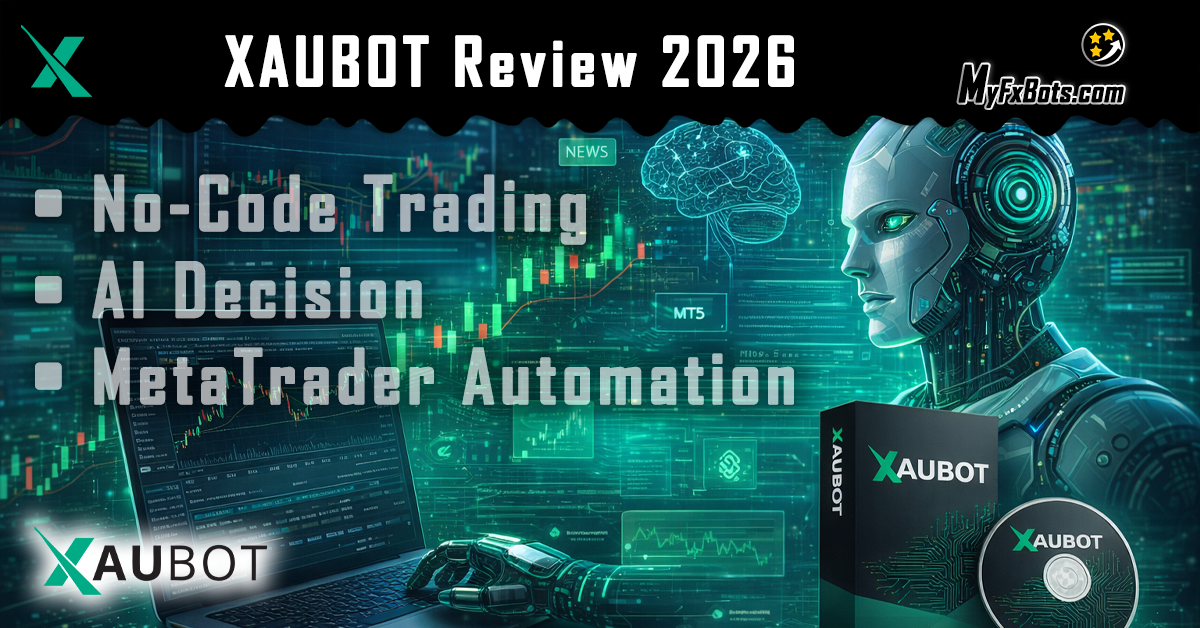
- What it is: XAUBOT is a no-code platform that helps traders build, customize, and run automated trading bots across Forex, gold, crypto, stocks, and indices.
- Why it matters: Automation reduces emotional mistakes by turning strategy into rules and letting the system execute consistently.
From the source: "That is the problem automated trading is trying to solve. XAUBOT is built around that idea."
Key Components
- Strategy Library and Bot Builder
- Preconfigured entry strategies (MACD+EMA, RSI divergence, multi-timeframe ATR breakout, smart money + momentum, Heikin-Ashi + Supertrend).
- No-code generator: choose market, pick logic, tweak parameters, export to MT4/MT5.
- Automation and Execution
- Exported bots run on MetaTrader 4 and MetaTrader 5; workflow: build → export → install → run.
- AI Decision Layer
- AI decision pulls market news, sentiment, and contextual analysis to complement technical rules.
- Risk Controls and Safety Features
- Capital allocation, risk per trade, daily loss limit, trading hours, TP/SL, news filter, and security settings (DLL imports, EA options).
Pricing Snapshot
- Free trial: 15 days demo access.
- Monthly plans: Individual $49, Pro $59, Business $69.
- Annual discounts: Individual $39.20, Pro $47.20, Business $55.20 per month equivalent.
- Feature differences: active license counts, AI decision access, top strategies, and TradingView indicator offers on higher tiers.
How to Build and Deploy a Bot
- Step-by-step:
- Create new bot in dashboard and select market and trading style (scalp or multi-level).
- Pick an entry strategy and review the short description to match market conditions.
- Configure defaults or fine-tune capital, risk, hours, TP/SL, and news filter.
- Compile and download the EA for MT4/MT5.
- Install in MetaTrader: open data folder → MQL4/MQL5 → Experts → paste EA → refresh navigator → attach to chart → enable DLL imports and algo trading → paste license key → enter platform URL for license verification.
Backtesting, Forward Testing, and Realistic Expectations
- Backtests show historical performance but are only step one. Forward testing on demo accounts is essential to validate behavior in live conditions.
- Checklists for testing:
- Compare multiple strategies and market regimes.
- Inspect equity curves, drawdowns, and verified results.
- Use news filter to avoid high-impact events.
- Reality check: Automation speeds execution but does not remove risk. Poor settings simply execute poor decisions faster. Start small and prioritize risk management.
Practical Tips from an Expert Reviewer
- Use default settings as a baseline, then iterate.
- Prefer strategies that match current market structure (trend vs range).
- Keep the news filter enabled for volatile instruments like gold and major FX pairs.
- Maintain a demo-forward testing phase for several weeks before live deployment.
- If you plan to recommend brokers or deposit offers to your audience, follow the platform’s consent and confidentiality rules; for example, you may summarize deposit bonus details carefully and include your referral link where permitted. (Consent note: IC Markets permission applies to sharing summary details.)
Final Verdict
XAUBOT is a flexible, modern no-code system that combines strategy templates, a bot generator, MetaTrader compatibility, and AI context. It’s well suited for traders who want to automate rules without coding, but success depends on disciplined testing and risk controls.